The average household has more internet-connected devices than ever before. Smartphones, laptops, tablets, smart televisions, gaming consoles, and household appliances all compete for attention, often using the same home network. While having access to so much technology makes everyday life more convenient, managing everything can become surprisingly complicated.
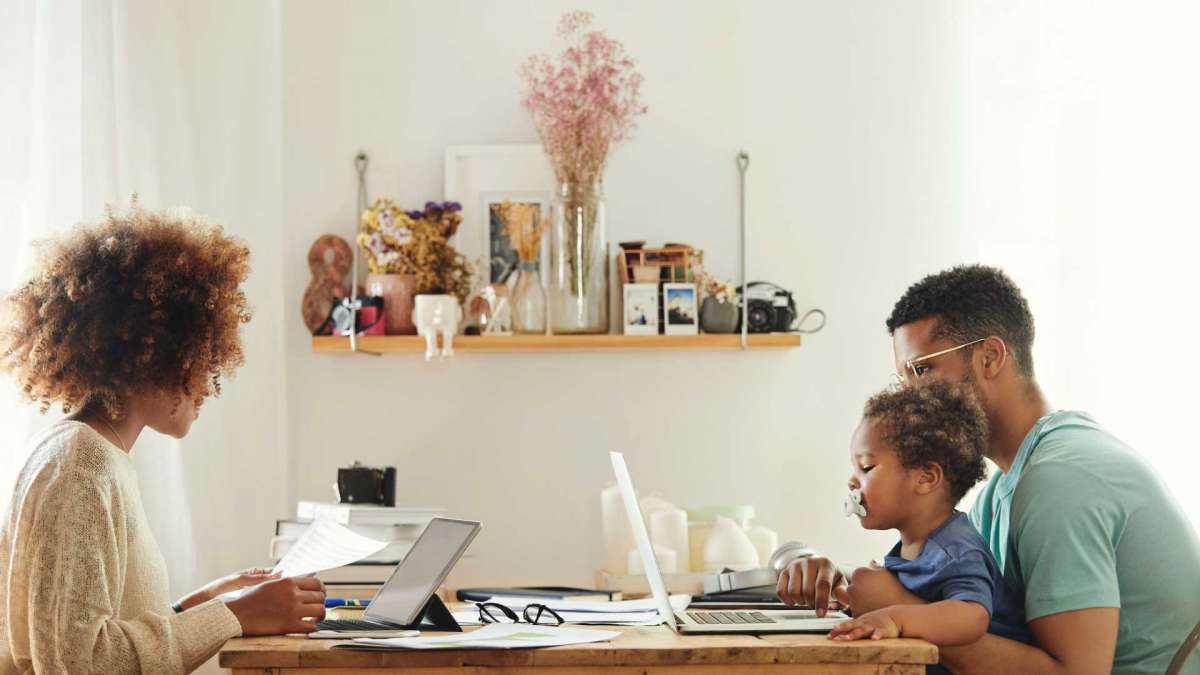
A busy household might have several people working, studying, streaming, and gaming at the same time. Keeping devices organised and ensuring everything works properly requires a little planning, particularly as more technology finds its way into the home.
Keep Track of Connected Devices
One of the simplest ways to manage household technology is to understand exactly what is connected to the home network. It’s easy to forget about older smartphones, unused tablets, or smart devices that were installed months ago and rarely receive attention.Checking the connected devices list through a router’s administration settings can help identify equipment that is no longer needed. Removing old connections and checking that unfamiliar devices aren’t accessing the network can also improve security.It is worth reviewing this list occasionally, particularly when new devices are purchased, or household members change their technology habits.
Make Sure Your Internet Connection Can Keep Up
When several people use the internet simultaneously, the quality of the household connection becomes particularly important. Someone attending a video meeting might need a stable connection while another person streams a film or downloads a large game update.
For households experiencing regular interruptions, reviewing available broadband packages could make a difference. Residents exploring Tampa gigabit internet can compare Frontier’s available fibre options when looking for a connection capable of supporting several connected devices.
However, broadband speed isn’t the only consideration. Router placement, wireless coverage, and network congestion can all influence performance. A centrally positioned router or mesh Wi-Fi system may help improve coverage in rooms that struggle to maintain a reliable signal.
Create Better Charging and Storage Arrangements
With multiple devices comes the inevitable collection of charging cables, adapters and accessories. Leaving everything scattered around the house can quickly create clutter, particularly when different family members share charging points.Creating a dedicated charging area can make everyday organisation easier. A charging station with clearly labelled cables or multi-port charging equipment provides somewhere to keep devices together when they’re not being used.
It’s also worth establishing a sensible storage system for accessories. Keeping spare cables, headphones and chargers in labelled containers makes them easier to find and reduces the chances of buying replacements unnecessarily.
Pay Attention to Device Security
Every connected device can introduce potential security concerns, so protecting household technology should be part of any management routine. Smartphones, laptops, and smart home equipment should all have appropriate security settings rather than relying on default passwords.
Installing software updates is equally important. Manufacturers regularly release updates to address vulnerabilities and improve device performance, so ignoring notifications for extended periods isn’t a good habit.Where possible, households should also enable two-factor authentication on important accounts. This provides an additional layer of protection if a password is compromised.
Set Up a Network That Works for Everyone
Not every device needs the same level of internet access, and some household activities place greater demands on a connection than others. Online gaming and video conferencing, for instance, can be affected by network congestion when several devices are downloading large files simultaneously.
Modern routers often include features that allow users to prioritise certain activities or devices. Separating guest devices from the main household network is another useful feature, particularly when visitors regularly connect their phones or laptops.
Making Household Technology Easier to Manage
Managing multiple devices doesn’t have to be complicated. As households continue adding smart devices and connected appliances, having a reliable internet connection and a well-organised network will become increasingly important. A little preparation now can help prevent common problems and make sure everyone can get the most from the technology they use.